
Tuffpuff Casino Login Security Guide
The Tuffpuff Casino login route should give you fast access without making account safety feel optional. Your player profile can connect games, bonuses, payments, documents, messages, and responsible play tools, so secure sign-in matters from the start.
Here’s the thing, a good Tuffpuff login habit protects more than your password. It helps keep your balance, personal data, reward status, and future withdrawals cleaner.
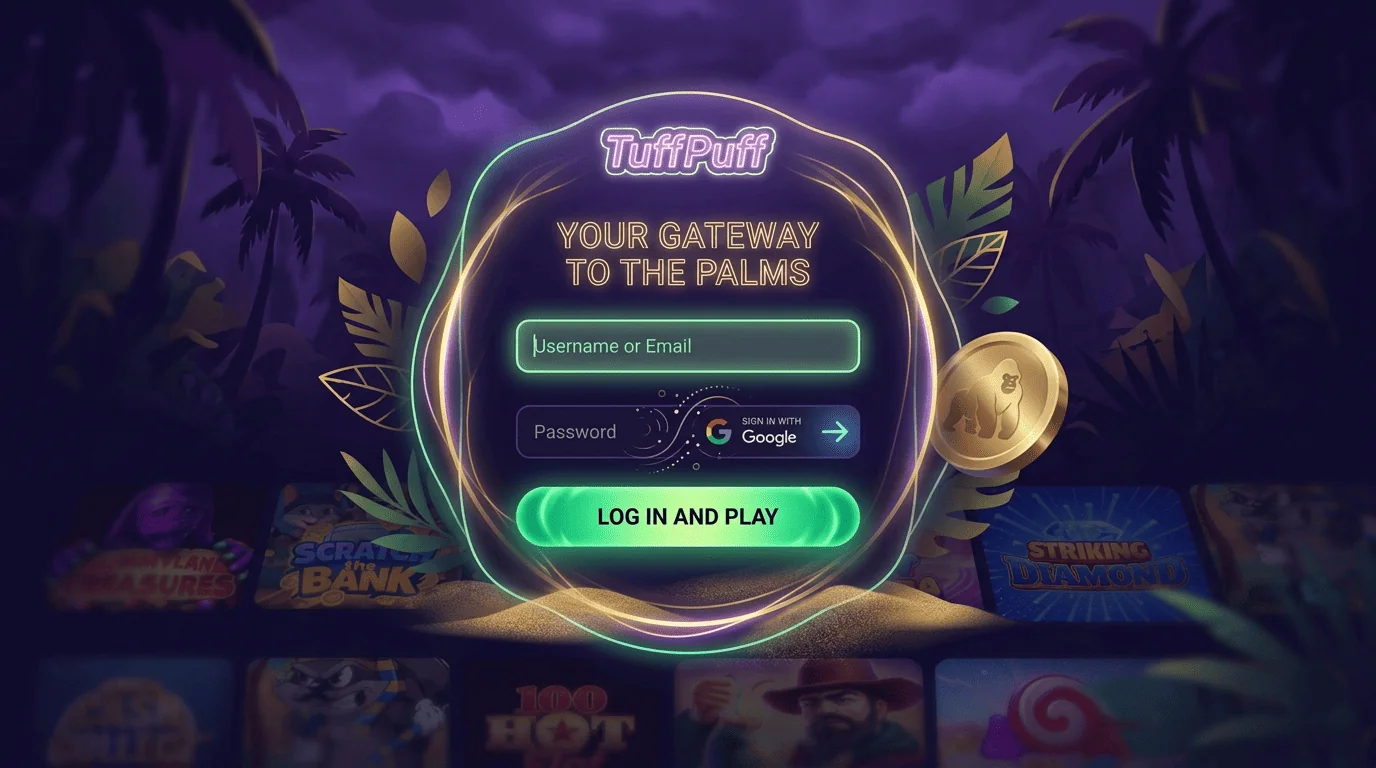
Secure Login Basics
Secure access starts before you enter your details. You need the official site, a private device, a stable connection, and login credentials that are not shared anywhere else.
This is not about making sign-in complicated. It is about avoiding boring problems later, and nobody wants their casino session replaced by password recovery theatre.
Safe Email and Password Use
The Tuffpuff Casino login screen should be used with the email or username linked to your account. Type your details carefully, especially if your browser autofill has a habit of being confidently wrong.
Use a unique password that you do not use for email, banking, shopping, or other casino accounts. A reused password can turn one leak into several problems.
| Login detail | Why it matters | Player tip |
| Registered email | Finds your account | Use the original inbox |
| Unique password | Protects access | Avoid reused details |
| Secure device | Keeps data private | Avoid shared phones |
| Updated browser | Reduces errors | Clear cache if needed |
| Stable connection | Prevents failed access | Avoid weak networks |
A strong password is not exciting, but it works. Think of it as the seatbelt of account access, not glamorous, still smart.
Recognizing Official Login Access
The Casino Tuffpuff login route should always come from the official platform. Avoid copied links, social comments, old promo pages, or “instant login” buttons from places you do not trust.
Check the address before signing in. Fake pages often copy branding, but they cannot protect your account.
Good official-access habits include:
- Open the site directly in your browser.
- Check the address before entering details.
- Avoid login links from unknown messages.
- Do not trust “urgent bonus” pop-ups.
- Use bookmarks only after checking the page.
- Contact help if access looks unusual.
A safe login route keeps everything cleaner. It also makes support checks easier if something does go wrong.
Avoiding Unauthorized Account Entry
Unauthorized access usually starts with shared passwords, weak devices, fake pages, or careless saved credentials. The Casino Tuffpuff login flow is safest when only you can open it.
Do not share your password with friends, relatives, “agents", or anyone claiming they can unlock rewards. If someone needs your password to help, they are not helping.
Before every session, check:
- Your device is private.
- Your screen lock is enabled.
- Your browser is updated.
- Your email account is secure.
- Your connection is safe.
- Your account messages look normal.
If anything feels off, pause before depositing or playing. A short delay is better than cleaning up account trouble later.
Registration Security
Registration is where account protection really begins. The details you enter can affect access, verification, payments, bonus eligibility, and future support reviews.
Use the official signup route only. A clean profile from day one helps keep the whole player journey smoother.
Creating a Protected Account
The Tuffpuff signup process should be completed with accurate personal data. You may need your full name, date of birth, email, phone number, address, and password.
During Tuffpuff Casino register, use details that match your documents. If your profile and ID do not match, future checks can take longer.
| Registration field | Why it matters | Smart move |
| Full name | Confirms ownership | Use legal spelling |
| Date of birth | Checks age eligibility | Enter it carefully |
| Supports recovery | Use an active inbox | |
| Phone number | Helps security checks | Keep it current |
| Address | Supports review | Match documents |
A protected account starts with clean data. It is not flashy, but it saves time when payments or verification appear.
Setting Strong Login Credentials
Your Tuffpuff signup credentials should be easy for you to manage and hard for others to guess. Avoid passwords built from names, birthdays, pets, or anything already sitting in your social profiles.
Use a password manager if you trust one on your own secure device. Do not save casino access on public computers, shared phones, or work browsers.
Good credential habits include:
- Use a new password.
- Avoid obvious personal words.
- Add numbers and symbols.
- Keep your email secure.
- Update weak passwords.
- Never send credentials through chat.
Login details protect your whole account. Treat them like payment information, not like a Wi-Fi password on a kitchen note.
Confirming Your Player Profile
After Tuffpuff Casino register, you may need to confirm your email or complete profile steps before all account tools become available. This helps link your account to a real contact route.
Profile confirmation can also support recovery, bonus messages, security alerts, and document requests. Use the newest confirmation link if several messages arrive.
Useful profile checks include:
- Confirm your email if requested.
- Review name spelling.
- Keep your phone number current.
- Match your address to documents.
- Use one account only.
- Read terms before depositing.
A confirmed profile gives you a stronger base for future access. It also helps avoid awkward “that detail does not match” moments later.
Verification and Account Protection
Verification helps protect account ownership, payment routes, and age eligibility. It may happen after registration, before withdrawals, or during account review.
This step is not there to ruin the fun. It helps make sure the account belongs to the right person and that payouts follow the correct route.
Email Confirmation Process
Email confirmation is often the first account protection step. The Casino Tuffpuff login area may work more smoothly once your email is confirmed and active.
If the message does not arrive, check spam, promotions, and any mistyped email details. Request a fresh link only when needed, then use the newest email.
Email confirmation tips include:
- Check the registered inbox.
- Look in spam folders.
- Use the newest link only.
- Avoid changing email mid-process.
- Keep your email password secure.
- Contact help if links fail.
Your email is also part of recovery. Keep it protected, because account access often depends on it.
KYC and Identity Checks
KYC checks may ask for identity, age, address, or payment ownership documents. The exact request can depend on your account activity and platform requirements.
The Tuffpuff Casino login dashboard should show messages or requests when review steps are needed. Upload clear files and follow the instructions exactly.
| Check type | What it may confirm | Player tip |
| Identity document | Name and age | Keep text readable |
| Address document | Residence details | Match profile address |
| Payment proof | Ownership | Use your own method |
| Bank or wallet file | Payout route | Follow the request |
| Extra review | Case-specific details | Send exactly what is asked |
Clear documents are your best friend here. Blurry corners and cropped names only create more waiting.
Account Review Procedure
Account review can happen when information needs confirmation, login activity looks unusual, or withdrawals require extra checks. That does not always mean something is wrong.
During review, follow account messages and avoid creating a second profile. Multiple accounts can create bonus, payment, and verification problems.
Review can include:
- Checking account ownership.
- Confirming age eligibility.
- Matching payment details.
- Reviewing bonus activity.
- Checking unusual access.
- Requesting extra documents.
If your account is under review, respond with the exact details requested. Guessing with random files rarely speeds anything up.
Recovering Access Safely
Access recovery should always happen through official tools. If Tuffpuff login fails, slow down and use the recovery route instead of trying random links or repeated guesses.
Do not create another account to bypass access trouble. That can make the original issue harder to fix.
Password Reset Steps
A safe password reset starts from the official recovery page. Enter your registered email, request the reset message, then use the newest link you receive.
Create a fresh password after recovery. Adding “1” to the old one is not security, it is nostalgia with a tiny disguise.
Password reset checklist:
- Open the official recovery route.
- Enter your registered email.
- Check inbox and spam folders.
- Use the newest reset link.
- Create a unique password.
- Sign in again from the official site.
If no email arrives, check spelling and wait a few minutes. Then contact help with your registered details.
Suspicious Login Activity
Suspicious activity can include unfamiliar devices, unusual location alerts, unexpected password messages, or account changes you did not make. The Casino Tuffpuff login route should be paused if anything feels wrong.
Change your password from a secure device if you still have access. If you cannot access the account, contact support immediately.
| Warning sign | What it may mean | First move |
| Unknown login alert | New device access | Change password |
| Reset email not requested | Possible attempt | Secure email |
| Profile changes | Account misuse | Contact help |
| Missing balance details | Needs review | Check activity |
| Locked access | Protection trigger | Use support route |
Do not ignore unusual account messages. A fast response can prevent a small issue from becoming a bigger one.
Support Help for Account Recovery
Support can help when password reset, email confirmation, or account access fails. Send clear information, but never send your password.
Useful details include your registered email, device, browser, screenshot, error message, and when the issue started. The more precise you are, the faster the team can understand the problem.
Good recovery message details include:
- Registered email.
- Device type.
- Browser name.
- Screenshot of the issue.
- Time the problem started.
- Any recent account changes.
A message like “reset link expired on Chrome mobile” is much easier to solve than “it does not work". We understand both moods, but one is more useful.
Responsible Gambling Account Tools
Responsible play tools help you keep casino activity controlled. Account settings may include options or guidance for managing limits, taking breaks, or reviewing activity depending on what is available.
These tools are not a punishment. They are there to help you keep play as entertainment and avoid decisions made too quickly.
Practical account-control habits include:
- Set a session budget before playing.
- Decide a stop point early.
- Avoid chasing losses.
- Take breaks during longer sessions.
- Review your activity history.
- Pause if play feels stressful.
Responsible gambling starts before the first spin. If your session stops feeling fun, step away and use available account tools or support routes.
Mobile Login Safety
Mobile access is convenient, but it needs the same care as desktop access. The Tuffpuff Casino login route should be opened through the official mobile platform, not copied app links or unknown downloads.
The Casino Tuffpuff login flow is safest on your own device with screen lock enabled. Avoid public Wi-Fi when signing in, depositing, or requesting withdrawals.
Mobile safety checklist:
- Use the official browser route.
- Keep your phone locked.
- Update your browser.
- Avoid public Wi-Fi for payments.
- Do not save passwords on shared devices.
- Log out after risky access.
Mobile play should feel quick, not exposed. A secure phone and official access make the experience much cleaner.